Corporate Training · AI for Non-Techies · Guide
If your company has been talking about "AI upskilling" for a year and nobody can point to a single workflow that's changed, you're not alone. Most corporate AI training rollouts stall at the same place: a 90-minute generic ChatGPT demo, a slide deck, and silence afterwards.
This post is a plain-English guide to Claude Cowork corporate training for non-techies — what it usually covers, who it's designed for, how to evaluate any training programme you're considering, and where to find it locally. Cowork SG is a community site, not a vendor; the goal here is to demystify the category, not pitch anything.
TL;DR — Good Cowork training for non-techies is hands-on, role-specific, and ships at least one real workflow per participant. It's the opposite of a generic prompt-tips webinar. Use the checklist later in this post to evaluate whatever training your team is considering.
Before getting into what good training looks like, it helps to know the failure modes. Talking to L&D leads across Singapore and the wider APAC region, the same patterns come up again and again:
"Claude Cowork" is the agent surface in the Claude product family — sitting between the consumer Claude.ai chat interface and the developer-focused Claude Code. It's designed for non-coders to build small specialised AI assistants ("plugins") that handle recurring work using saved skills, persistent memory, and connected tools.
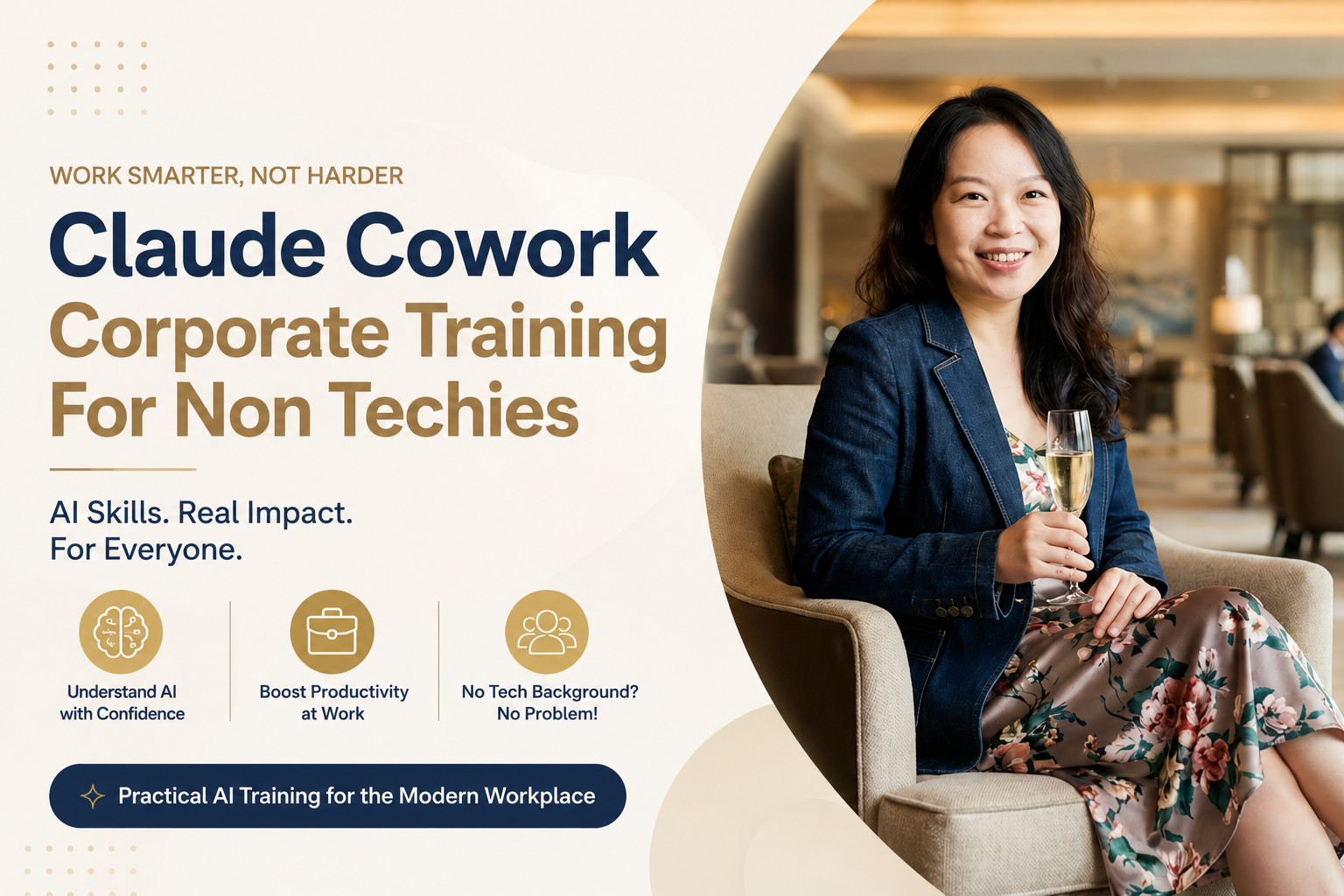
Corporate training built around Cowork tends to be structured around three pillars (the same ones on the cover image of this post):
Pillar 1
What Claude is, what it can and can't do, where it falls over, and how to evaluate its output without a CS background.
Pillar 2
One real workflow shipped per participant — drafted, tested, and saved as a reusable skill they own and can keep using after training ends.
Pillar 3
Zero terminal, zero coding. Built around point-and-click Cowork interfaces and the chat surface most participants already know.
A typical session is delivered as a half-day or full-day hands-on workshop for 8–25 participants, usually split by function — one cohort for finance, one for marketing, one for ops — because the workflows differ. A finance team's "monthly board pack first draft" workflow has nothing in common with a marketing team's "campaign brief from RFP" workflow.
The category is built for non-technical professionals in mid-sized to large organisations. The roles where it tends to land best:
If your team's bottleneck is "the data's there but nobody has time to write the narrative" — Cowork training is built for that exact problem.
A well-run Cowork workshop ends with three concrete artefacts per participant:
Most non-techies have already touched ChatGPT. So why train them on Claude and Cowork specifically? A few reasons that matter for enterprise contexts:
None of that means ChatGPT is bad — it's still a great general-purpose tool. It means for structured, role-specific, recurring work, which is most corporate work, Cowork tends to fit better.
What Claude is, where Cowork sits, what the three Cowork building blocks are (Brain, Memory, Skills), and the one mental model that makes everything else click: specialist plugin, not generalist chatbot.
Each participant identifies one real workflow they own — not a hypothetical one. The trainer pressure-tests it: is it recurring, is the input structured, is the output reviewable? The "yes / yes / yes" workflows go to the front of the queue.
Hands on keyboards. Build the Cowork plugin. Write the Skills.md. Run a real input through. Review the output line by line. Iterate. By the end of the hour, the workflow is live in the participant's account and saved as a reusable skill.
How does the rest of the team get on this? Who's the early adopter, who's the skeptic, what's the 30-day rollout plan, how is success measured? This is where most "AI training" stops short, and where the better Cowork programmes spend the most time.
Whether you book training through ANCHR, an internal team, or another vendor entirely, this is the bar to hold any AI training programme to. If a vendor can't say yes to all five, the training won't stick:
The market is still small. A handful of vendors deliver Cowork-specific corporate training in Singapore and the wider APAC region; most general "AI upskilling" providers don't go deep into the Cowork-and-skills-based workflow design that this post describes.
The most established programme locally is the bootcamp run by ANCHR AI Labs, the studio behind this community site. ANCHR runs private corporate cohorts for finance, HR, ops, marketing, legal, and customer success teams across Singapore and APAC. Their hands-on bootcamp takes participants from prompt to production using the same Cowork-based methodology described above.
They're called out here because the bootcamp is the only Singapore-based programme that consistently passes the five-question checklist above. Other providers can absolutely meet the same bar — apply the checklist to whoever you're considering.
If you're researching this for your team, here are the things on this site worth bookmarking — all free, no signup required:
Cowork SG is the free community arm of ANCHR AI Labs. The site stays educational; the commercial corporate training and bootcamp programmes are handled by ANCHR directly.